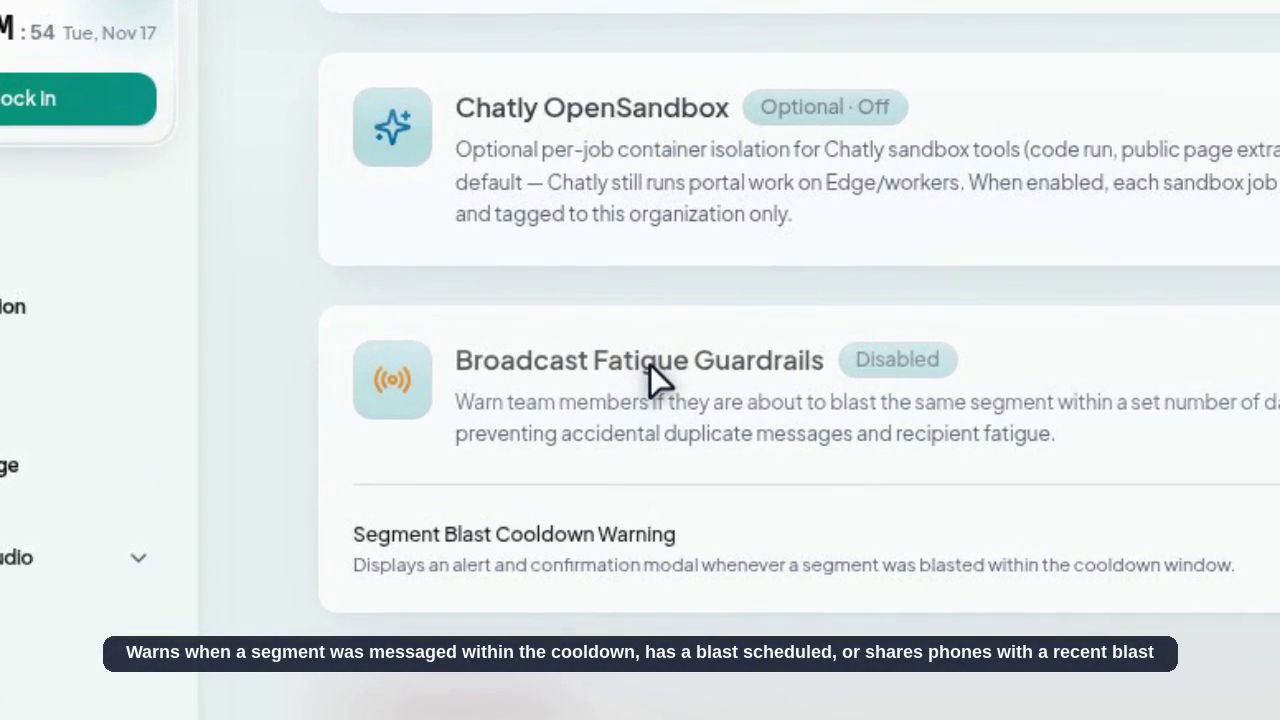
Broadcast Fatigue Guardrails
Turn on Segment Blast Cooldown Warning so the broadcast composer warns you when the segment you pick was messaged recently, already has a blast scheduled, or shares phone numbers with a recent broadcast — then confirm or back out before sending.
Prefer a visual walkthrough? Watch the video
Overview & Architecture
Prerequisites
- Permission to edit Organization settings
- At least one WhatsApp channel and one saved Segment
- A prior completed broadcast to the segment you want to demonstrate (within the cooldown window)
Step-by-Step Instructions
Open Broadcast Fatigue Guardrails
Go to Settings → Organization (/dashboard/settings/organizations). Find the Broadcast Fatigue Guardrails card. The badge shows Disabled or Active (Nd cooldown).
When the warning appears
With Segment Blast Cooldown Warning on, the composer checks the segment you pick on Audience (and again on Review). You see a warning when: (1) that segment was messaged within the Cooldown Window (Days) — for example, with 7d, any broadcast to it in the last 7 days that wasn't cancelled; (2) that segment already has a blast scheduled (shown as Upcoming blast scheduled); or (3) phone numbers in the segment received a broadcast within the window from another segment or audience — this shows as Phone Overlap Warning. A segment with none of these shows no warning. Clicking Send now or Schedule send opens the Fatigue guardrail confirmation for cases 1 and 3; a scheduled-only match shows the alert but does not open the confirmation.
Enable Segment Blast Cooldown Warning
Turn on Segment Blast Cooldown Warning. Choose a Cooldown Window (Days) preset such as 7d — the number of days after a broadcast during which the warning shows — or enter a custom value, then click Save Guardrails. Confirm the Active (7d cooldown) badge (or your chosen days).
Start a campaign and pick a recently blasted segment
Open Broadcasts → New campaign. On Channel, pick your WhatsApp sender. On Audience, choose Segment and select a segment that was blasted inside the cooldown window. The Segment Fatigue Warning appears with a 7-day cooldown badge (matching your saved window) and “was already blasted 2 days ago”-style copy; the segment list also tags it (for example Blasted 2d ago). If you can edit organization settings, Adjust rule on the alert opens an inline cooldown editor.
Continue to Review and open the confirmation
Compose your Message, continue through Schedule, and open Review your campaign — the Segment Fatigue Warning shows again. Click Send now (or Schedule send). The Fatigue guardrail confirmation dialog opens (title such as Segment Blasted Recently) with Review Audience and Proceed Anyway.
Back out and compare segments
Click Review Audience to close the dialog without sending. Back on Audience, a segment that shares phone numbers with the recent broadcast shows Phone Overlap Warning (for example “1 phone in Corporate Dental Accounts already received a broadcast in the last 7 days”). A segment whose contacts weren't messaged in the window, with nothing scheduled, shows no warning.
Try this in your workspace
Open the relevant screen in your dashboard to follow along live.