Journal / Technology
WhatsApp Business Product Catalog Malaysia (2026): Setup Guide, Sync & Cart Checkout
Complete guide to setting up and synchronizing a WhatsApp Business Product Catalog in Malaysia. Learn how to display products, accept in-chat carts, and collect instant payments.
Quick Answer: What is a WhatsApp Product Catalog?
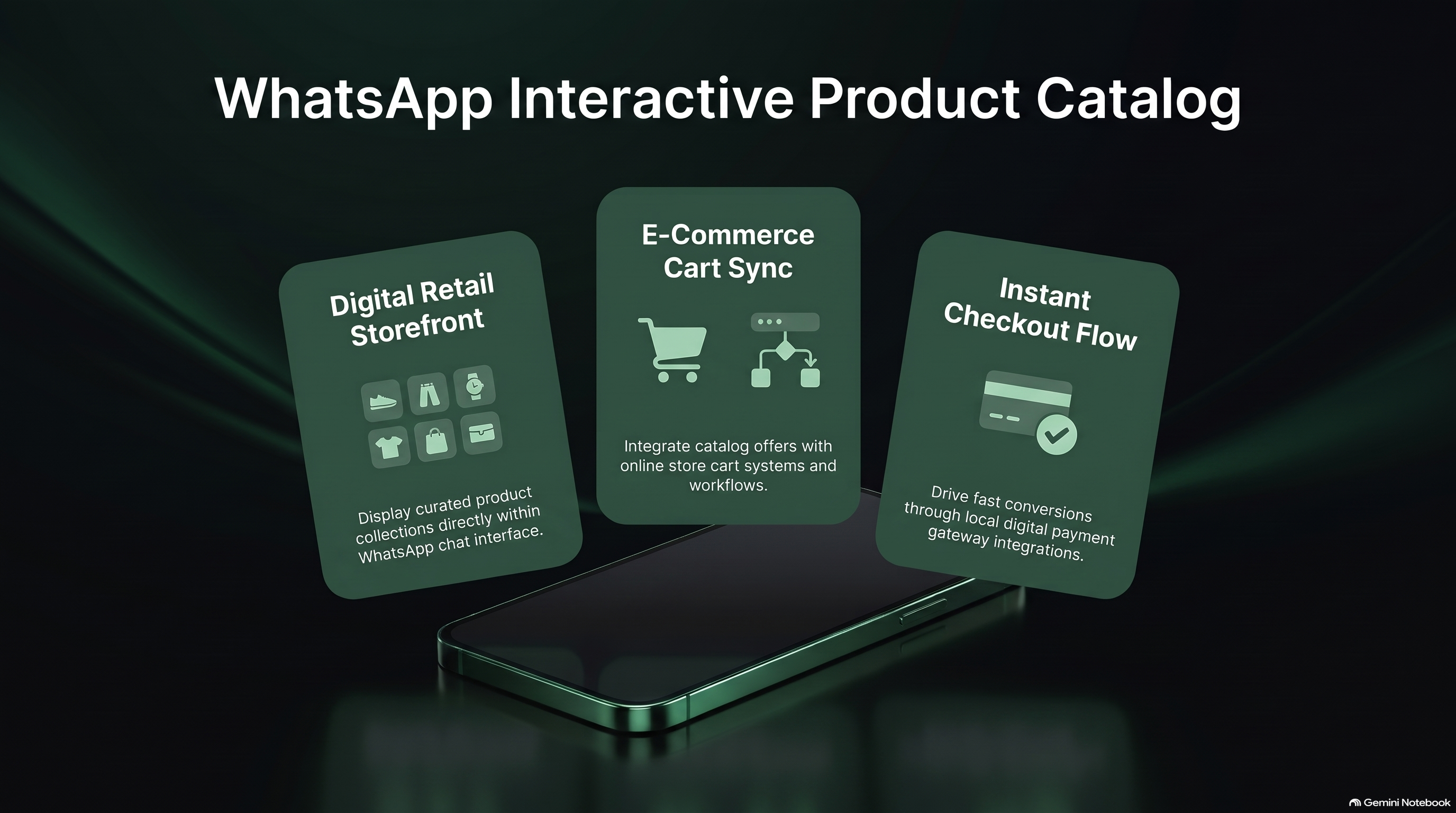
A WhatsApp Product Catalog is an official Meta Commerce feature that enables businesses to display products and services directly inside WhatsApp. Customers can browse high-resolution images, read product specifications, inspect Malaysian Ringgit (MYR) pricing, add items to a native in-app shopping cart, and transmit the completed order to your sales team with 1 tap. Deployed via Meta Cloud API and Chattalyst, catalogs can be dynamically queried by AI chatbots to deliver personalized Single-Product Messages (SPM) and Multi-Product Messages (MPM) based on customer conversational preferences.
Native WhatsApp Catalog vs. External Website Links
Sending shoppers away from WhatsApp to an external website introduces significant friction and abandonment:
| Shopping Experience Factor | External Website Link | Native WhatsApp Product Catalog |
|---|---|---|
| Browsing Friction | Leaves chat app, waits for browser to load | Instant in-app product cards with zero browser loading |
| Cart Creation | Browser cookie dependency; high mobile drop-off | Native WhatsApp cart synced directly with sales agent |
| Personalized AI Recommendations | Generic homepage banner | AI sends tailored 3-product carousel matching buyer budget |
| Checkout Completion Rate | 1.8% to 2.5% industry standard | 5.8% to 9.2% via conversational guided checkout |
Single-Product (SPM) vs. Multi-Product Messages (MPM)
When operating WhatsApp Business API through Chattalyst, your system can dispatch interactive catalog messages programmatically:
-
Single-Product Message (SPM):
Highlights one specific featured item with image, title, price, and description. Ideal when a customer asks: 'Do you have the Wireless ANC Headphones in Black?' The bot displays the exact headphone card with an 'Add to Cart' button.
-
Multi-Product Message (MPM):
Displays up to 30 items organized into clear category sections (e.g. 'Skincare Best Sellers', 'Anti-Aging Serums', 'Sun Protection'). Shoppers can swipe through items, select quantities, and submit a complete order bundle directly in chat.
Step-by-Step Setup Guide: Synchronizing with Meta Commerce Manager
- Access Meta Commerce Manager: Navigate to your verified Meta Business Suite account and create an official Product Catalog.
- Choose Data Feed Method: Select automatic synchronization with your existing e-commerce store (Shopify, WooCommerce) or upload a scheduled CSV product feed containing SKU, Title, Price (MYR), Image URL, and Stock Availability.
- Connect Catalog to WhatsApp Business Account (WABA): In your WhatsApp Manager settings, link the catalog to your primary business phone number.
- Enable Chattalyst Conversational Checkout: Within Chattalyst, connect your local payment gateway (Curlec, Billplz, ToyyibPay, Stripe). When a shopper submits a cart, the system automatically calculates shipping and generates a Dynamic DuitNow QR code or FPX link.
Managing Flash Sales & Limited Drops via WhatsApp
WhatsApp product catalogs shine brightest during high-velocity promotional periods:
- Exclusive VIP Early Access: Broadcast your flash sale catalog to your top 1,000 customers 2 hours before the public launch on Instagram or website.
- Real-Time Stock Depletion Alerts: When stock drops below 10 units, the bot warns shoppers: 'Only 4 units left of this limited shade! Checkout now to guarantee your order.'
- Immediate Payment Settlement: Eliminates pending bank transfer holds by requiring instant FPX / DuitNow QR verification within 15 minutes.
Frequently Asked Questions
Can I sell services (consultations, spa treatments) or only physical products in a catalog?
Both! You can list physical retail goods as well as service packages (e.g. '60-Minute Deep Cleansing Facial - RM 180', 'Corporate Tax Filing Package - RM 1,200').
Does WhatsApp take a commission on products sold through the catalog?
No! Meta does not charge any marketplace transaction commission on WhatsApp catalog orders in Malaysia. You only pay standard local payment gateway processing fees (FPX/DuitNow).
How often does the catalog sync with our website stock inventory?
When connected via Shopify or WooCommerce webhooks, inventory updates are reflected immediately, ensuring out-of-stock items are hidden automatically.
Can customers modify quantities inside their WhatsApp shopping cart?
Yes. Customers can increase, decrease, or remove items directly within the native WhatsApp cart interface before submitting their order.
What products are prohibited from WhatsApp Product Catalogs?
In accordance with Meta's Commerce Policy, businesses cannot list pharmaceuticals, tobacco, alcohol, adult products, weapons, or counterfeit goods.