Journal / Technology
Automated WhatsApp Appointment Booking Malaysia (2026): Slash No-Shows with Calendar Sync
Learn how Malaysian clinics, salons, and consultancies automate appointment scheduling on WhatsApp. Eliminate phone tag, sync Google Calendar, and cut no-shows to under 5%.
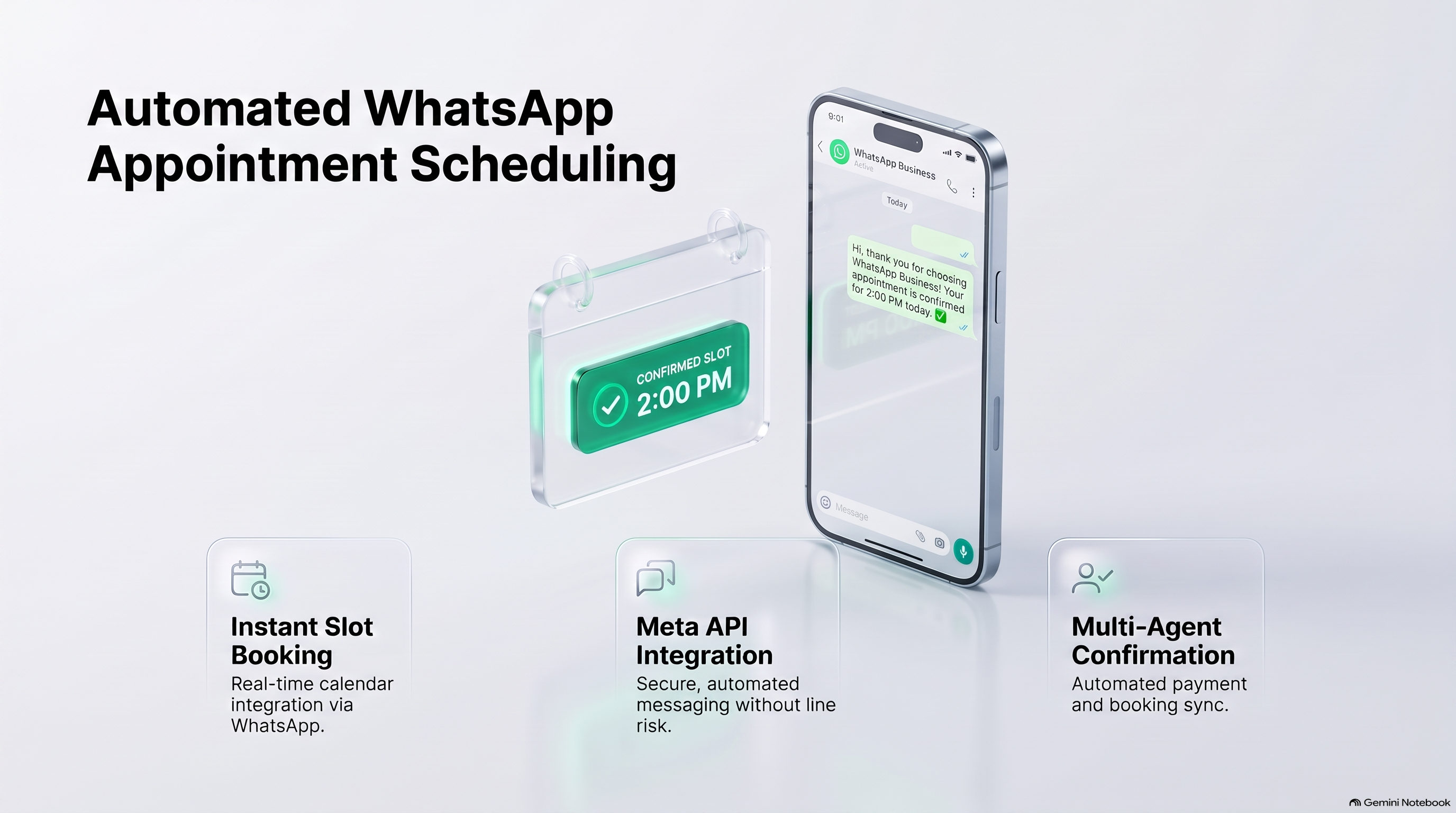
Quick Answer: How Does WhatsApp Appointment Booking Work in Malaysia?
Automated WhatsApp Appointment Booking connects your company's live calendar (Google Calendar, Microsoft Outlook, or industry CRM) directly to WhatsApp via official Cloud API. When a client messages to book a consultation, haircut, facial, or test drive, an interactive conversational flow presents available open slots. The client selects their preferred time with 1 tap, and the system automatically reserves the calendar slot, sends an immediate calendar invite, and dispatches automated reminder alerts 24 hours and 2 hours prior to the appointment. This eliminates manual phone calls and reduces missed appointments by over 80%.
The True Financial Damage of Appointment No-Shows
Whether you operate an aesthetic clinic in Bangsar, an auto detailing studio in Subang, or a dental center in Penang, empty appointment slots represent pure lost revenue:
| Booking Metric | Manual Front Desk Operations | Chattalyst Automated Booking |
|---|---|---|
| Time to Confirm Booking | 15 to 45 minutes of phone/chat back-and-forth | < 60 seconds self-service via tap buttons |
| Average No-Show Rate | 22% to 30% of scheduled appointments | < 5% with automated reminder sequences |
| Double Booking Accidents | Frequent (paper diary / manual sync errors) | 0% (Real-time live calendar lock) |
| Cancelled Slot Re-Fill Rate | < 10% (slot remains empty) | 65%+ (Auto-broadcast to standby waitlist) |
The 4-Step Interactive Booking Journey on WhatsApp
Here is what the end-to-end booking experience looks like for a customer:
-
Step 1: Service & Specialist Selection
The user taps 'Book Appointment'. WhatsApp displays an interactive list menu showing services (e.g. 'HydraFacial Treatment - 60 Mins', 'Acne Laser Consultation'). The user selects their service and preferred specialist.
-
Step 2: Real-Time Available Slot Picker
The system queries Google Calendar API in real time and presents only genuinely vacant slots for the chosen dates: '[Tomorrow 2:00 PM] [Tomorrow 4:30 PM] [Saturday 11:00 AM]'.
-
Step 3: Instant Confirmation & Location Pin
Upon tapping a slot, the system reserves the calendar event and dispatches an official WhatsApp confirmation message featuring an Add-to-Calendar link and a Waze / Google Maps navigation pin.
-
Step 4: Automated 24h & 2h Reminder Cadence
24 hours prior, an automated message prompts the client: 'Hi Sarah, see you tomorrow at 2:00 PM! Please confirm your attendance: [ Confirm ] [ Reschedule ]'. If they tap Reschedule, the slot is instantly freed and alternative times are displayed.
Managing Peak Holiday Rush & Festive Season Bookings
In Malaysia, booking demand surges dramatically in the 3 weeks preceding major celebrations like Hari Raya Aidilfitri, Chinese New Year, Deepavali, and Christmas. During these crunch periods:
- Dynamic Buffer Intervals: Automatically inject 15-minute sanitization or rest buffers between appointments so staff aren't overwhelmed.
- Festive Surcharge Automation: Clearly communicate holiday package pricing or seasonal deposits upfront to avoid misunderstandings at checkout.
- Standby Waitlist Priority: When high-value regular clients search for fully booked pre-holiday slots, the bot tags them for instant priority notifications should any cancellation occur.
Deposit Collection to Eliminate Frivolous Bookings
For high-ticket appointments (surgical consults, private dining, bespoke tailoring), businesses can enforce a small commitment deposit (e.g. RM 50 or RM 100). Chattalyst automatically generates a DuitNow QR code or FPX link directly inside the flow. The slot is held for 15 minutes and finalized only once PayNet confirms payment settlement via webhook.
Frequently Asked Questions
Can the booking bot sync with our existing Google Calendar?
Yes! Chattalyst integrates natively with Google Calendar and Microsoft Outlook. Any booking made on WhatsApp appears on your team calendar instantly, and any manual blockout on your calendar prevents bookings on WhatsApp.
Can clients book appointments for multiple people?
Yes. The conversational workflow can ask for the number of guests/patients and reserve consecutive time slots or multi-chair blocks accordingly.
What happens if a customer wants to change their appointment time?
Clients simply open the WhatsApp chat and tap 'Reschedule'. The bot shows new available dates, updates the calendar event automatically, and sends a revised confirmation.
Can we collect pre-consultation medical history or intake forms?
Yes. Chattalyst can collect key intake questions (allergies, medical history, IC number for clinic records) directly inside the chat or link to a secure mobile intake form.
Does this require our front-desk staff to be on duty?
No! The entire booking, calendar lock, confirmation, and reminder cycle is 100% autonomous and operates 24/7 even when your physical clinic or salon is closed.